
CREX / TASK GUIDE
CREX app download: verify the listing and device
Use the store country, publisher and full identifier together. This review documents the Indian listings and answers what can be checked from a store without testing an installation.

Match the CREX store record before downloading
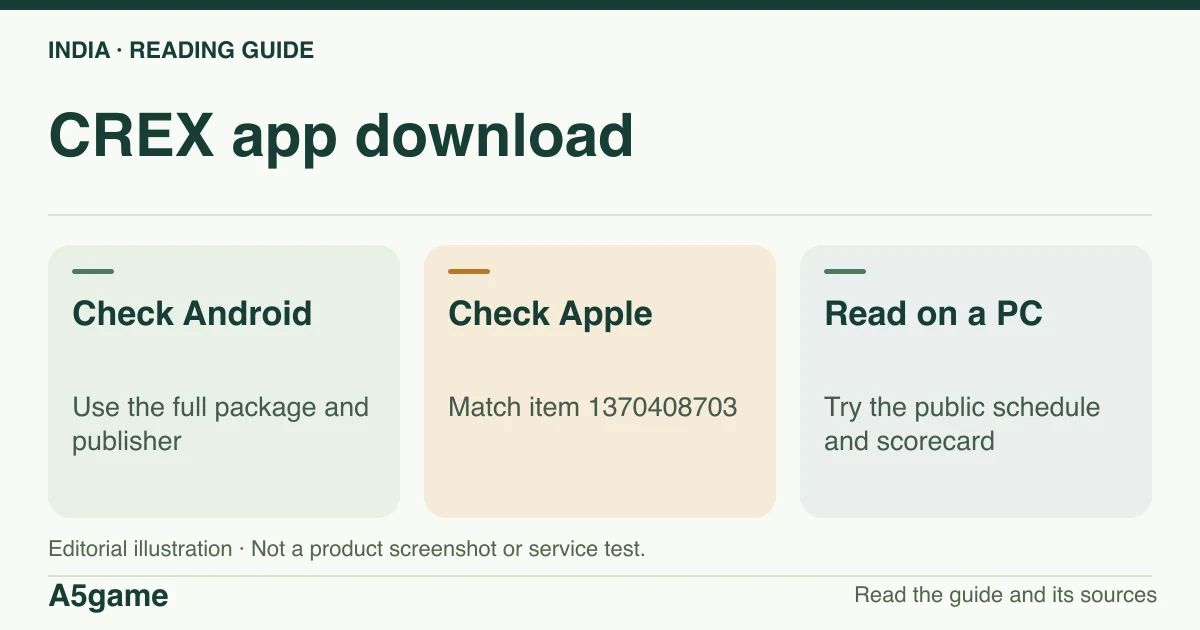
For Android in India, look for in.cricketexchange.app.cricketexchange and Parthtech Developers LLP. For iPhone or iPad, use the Indian App Store item 1370408703 with the same seller. We do not verify third-party APKs, old build files or a native Windows or TV app.
Brand identification
- Brand
- CREX
- Domain reference
crex.com- Entity reference
- Parthtech Developers LLP (terms and App Store listing)
- Scope
- Current product references
Identity information does not establish that every feature is available to every reader.
Verify the Android package and Apple app ID
On Google Play, the exact Android identifier includes both “cricketexchange” segments. Open the details for the app and compare the developer with Parthtech Developers LLP. “Live line”, “Cricket Exchange” and “Just Cricket” can appear in snippets with different capitalisation or names. A result that only matches words, art or an old version number does not link the file to that developer.
The Apple India listing identifies item 1370408703; Apple's catalogue lookup also lists bundle ID ParthTechDevelopers.CricketExchange. One number can be used in the browser store URL, the bundle identifier in catalogue records. They are different from the Android package. Check the store shown on your device before acting on a link shared by someone in another country.
| Surface | Identifier | What it confirms |
|---|---|---|
| Google Play | in.cricketexchange.app.cricketexchange | Listing identity with publisher information |
| App Store India | 1370408703 | Store item and seller Parthtech Developers LLP |
| Apple catalogue | ParthTechDevelopers.CricketExchange | iOS bundle identity returned by Apple |
| crex.com | Public schedule and scorecard | Browser information; no installed build tested |
Check updates, old versions and device compatibility
If Google Play shows Update, verify the identifier before updating through the existing listing. If it shows incompatibility or no install option, check the Android version, device and store region rather than assuming a public APK will install. The Apple listing observed gave iOS 15.0 or later. It also listed Apple-silicon Mac compatibility with a “not verified for macOS” label. Do not infer support for Intel Macs or Windows from that listing, and re-check current compatibility on your device.
To answer “latest APK”, a current listing is evidence about what the publisher offers through a store; it is not the SHA or signing certificate of a downloaded file. We obtained no authenticated old APK, verified no signatures and tested no overrides or mod packages. If an update changes a feature, save the device and store version for support rather than replacing it with an unknown older file.
Diagnose “not installing” before changing the source
If the store has no Open or Install button, first confirm the country, device and the account that can normally install apps. A wrong package name can show a different app that has different requirements. If you already have CREX, use app information to record the installed version and then compare it with the store listing. Do that before clearing storage; clearing local data can remove sign-in state and does not correct a region or compatibility mismatch.
In our snapshot, Apple’s India catalogue returned version 16.5.1, released on 13 November 2026, and minimum iOS 15.0. Google Play displayed an update date of 14 November. Those are two dated observations with different meanings. They do not identify the latest installed version for a specific Android handset, or the signature of an external APK. If a store is gradually making an update available, use what your own catalogue reports and document the difference with the valid package and device.
Use the browser for a PC score or fixture
We read public scores and fixtures from the website. That is the first check on a PC if you just need a result or a schedule. There was no verified native Windows installer in the sources. A mobile APK in an emulator, the iPad listing on eligible Macs, and the public site are three distinct routes; no emulator or installed desktop build was run.
If your goal is to watch, device support and event rights still matter. Do not assume an available score page has a browser stream or a television app.
Frequently asked questions
What is the CREX Android package name?
The Indian Google Play record used in.cricketexchange.app.cricketexchange.
Can I download a verified old CREX APK from this site?
No APK is distributed here. We did not verify an old package file or a way to roll back the app.
Is there a CREX app for PC?
The public web schedule and scorecards were readable. We did not verify a native Windows app or install the Apple-silicon variant.
FOLLOW THE EVIDENCE
Sources and context
- Google Play India — CREX Android package and selected streaming statement
https://play.google.com/store/apps/details?id=in.cricketexchange.app.cricketexchange&hl=en_IN&gl=INReference check: 2026-11-18 - App Store India — CREX item 1370408703 and release history
https://apps.apple.com/in/app/crex-just-cricket/id1370408703Reference check: 2026-11-18 - Apple India catalogue — CREX bundle and seller
https://itunes.apple.com/lookup?id=1370408703&country=inReference check: 2026-11-18 - CREX — public cricket website
https://crex.com/Reference check: 2026-11-18 - CREX — Parthtech terms, registration and CREX Social
https://crex.com/terms-and-conditionsReference check: 2026-11-18
The date records a reference check. It is not a live service monitor.
A5game is an independent information website. We are not the brands’ official website, do not accept bets and never ask for third-party passwords or access codes. Editorial policy ↗