
FANCODE / TASK GUIDE
FanCode app download: India listings and APK checks
Use the India storefront and the product identifier to identify FanCode before installing. This is a listing comparison for Android and iPhone, with separate checks for APK searches, updates and desktop use.

Match the India listing to the device
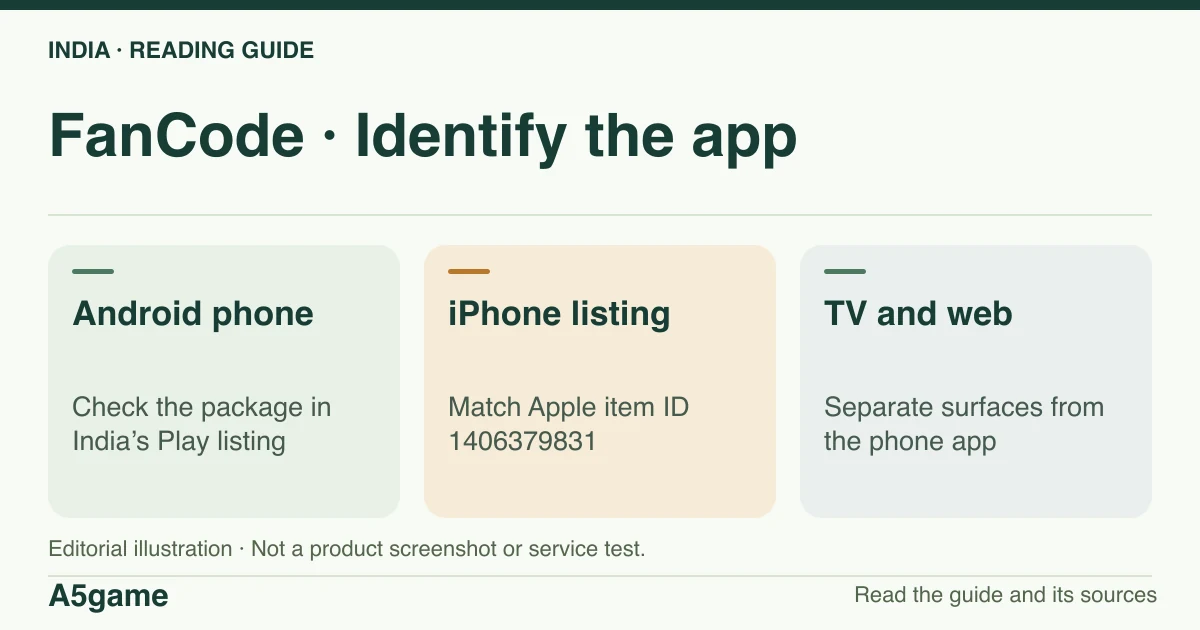
Google Play identifies the mobile app as com.dream11sportsguru. The App Store India item is 1406379831. The Android TV app is a separate listing, com.fancode.tv. A matching name on an APK mirror does not authenticate the file.
Brand identification
- Brand
- FanCode
- Domain reference
fancode.com- Entity reference
- Sporta Technologies Private Limited (published terms)
- Scope
- Current product references
Identity information does not establish that every feature is available to every reader.
Find the correct Android and iPhone listing
Open the store already installed on your phone and use its India catalogue. On Android, compare the FanCode name, the publisher information and the full com.dream11sportsguru package from the checked Google Play URL. The suffix resembles Dream11, but the store record itself is the reference for which product it represents. If you cannot see the app on your account, consider store country, device or account restrictions before concluding that the listing was removed.
On iPhone, the checked item is 1406379831, shown in Apple’s India catalogue. An Apple item ID identifies a listing across display-name changes; it is not an Android package identifier. The India listing showed version 9.16.0 and a minimum of iOS 16.6 and iPadOS 16.6 in our 18 November sample. Read current compatibility and version information on your device. A successful browser view of the listing does not confirm that the device can install it. Our review did not sign in to a store account or install the app.
| Surface | Identifier | Evidence limit |
|---|---|---|
| Android phone | com.dream11sportsguru | India Play listing; no APK or installed signature verified |
| iPhone | Apple item 1406379831 | India App Store listing; no device installation tested |
| Android TV | com.fancode.tv | Separate TV listing; no model or activation test |
What we can check for a FanCode APK
A file label may include the product name and latest version without referring to the publisher’s build. The Play listing names a package; it does not provide a checksum or signature check for a file obtained from another website. We did not authenticate a standalone official APK in this review. If the store option is missing, use the publisher’s web surface for available information or ask the store-listed support contact about distribution. Do not treat an APK prompt as the normal step for opening a score.
An Android device may explain that an app cannot install or that an update conflicts with the existing version. That does not prove a particular cause. Check edition, supported OS and install source first. Do not pre-emptively erase your existing app data to fix it: the data may help identify your original account and it can be lost. Keep a copy of any receipt and make sure you know the sign-in method before changing installations.
Use the web for a PC and check the actual tablet listing
On Windows or macOS, the public FanCode website is a distinct surface from the Android installation. You can confirm that a fixture or pass page exists without installing a Windows executable. The sampled sources did not establish a FanCode desktop installer. If a browser displays a watch action, check event eligibility and whether the browser can support the playback requested. Availability of the site, compatibility of the player and the rights to the stream are separate checks.
On a tablet, the relevant app store decides availability for the model, operating system and store account. A tablet does not make a TV package interchangeable with a mobile one. If the household wants to view on a television, check the TV guide for the separate store identity and what our test did and did not establish about pairing.
Update the same product and keep account access
Use the update action on the original store record. A release note describes the publisher’s update; it does not guarantee that all devices receive it simultaneously. If a store account shows Open rather than Update, record the installed version and the details of the problem. A screenshot from another operating system, another country, or a manually downloaded archive does not establish what should be offered to your device.
If an update is followed by a purchase disappearing, compare the account identifier on the app with the receipt before paying again. A successful update says little about restored billing or event access. For a video-only error, note the device, app version, event and error text, and distinguish the app starting successfully from the player failing later.
Choose a web, mobile or TV surface by the task
A browser is enough to establish that the public fixture exists, and may offer a suitable player for eligible video. A phone app may be preferable if you want the app’s own match reminders, where those are offered, but check the notification settings for the identified installation rather than assuming a missed alert means the fixture was cancelled. A TV listing is primarily relevant when you need large-screen playback. Keep the schedule source available when changing devices so you can distinguish an updated kickoff from an app problem.
For a device change after buying a pass, make a record of the account and the billing provider first. If the old device signs in but the new app is missing access, test the exact event and compare the account display. If the new device lacks the listing, verify its system compatibility instead of assuming a different billing provider can transfer the purchase. Using the website to look up an event does not cancel or duplicate an app subscription.
What we did not verify on devices
Public listing checks are enough to compare names and identifiers. They are not a test of notifications, data use, offline replays, playback quality or successful sign-in. We did not measure file size on a device or reproduce app behaviour for a particular OS version. When deciding between the website and app, start with your task: fixtures and scores can be checked independently; purchased content requires its own entitlement and compatible playback surface.
Frequently asked questions
Why does the Android listing URL say dream11sportsguru?
That was the package on the FanCode India Play listing. Match the publisher, name and whole identifier rather than identifying it by that substring.
Is there a verified FanCode APK for PC in this guide?
No standalone APK or native PC installer was verified. A supported browser and the publisher’s website are a separate route; video access still depends on the event.
Does a free app installation include a FanCode subscription?
No entitlement follows from a store installation. Check the match and pass terms, and verify the receipt on the account actually used for any purchase.
FOLLOW THE EVIDENCE
Sources and context
- Google Play India — FanCode Android app (com.dream11sportsguru)
https://play.google.com/store/apps/details?id=com.dream11sportsguru&hl=en_IN&gl=INReference check: 2026-11-18 - App Store India — FanCode (Apple ID 1406379831)
https://apps.apple.com/in/app/fancode-live-cricket-scores/id1406379831Reference check: 2026-11-18 - Google Play India — FanCode TV app (com.fancode.tv)
https://play.google.com/store/apps/details?id=com.fancode.tv&hl=en_IN&gl=INReference check: 2026-11-18 - FanCode — publisher about page
https://www.fancode.com/aboutReference check: 2026-11-18 - FanCode — published terms, passes, payment and viewing limits
https://www.fancode.com/terms-conditionsReference check: 2026-11-18
The date records a reference check. It is not a live service monitor.
A5game is an independent information website. We are not the brands’ official website, do not accept bets and never ask for third-party passwords or access codes. Editorial policy ↗