
FANCODE / TASK GUIDE
FanCode TV: identify the app and verify pairing
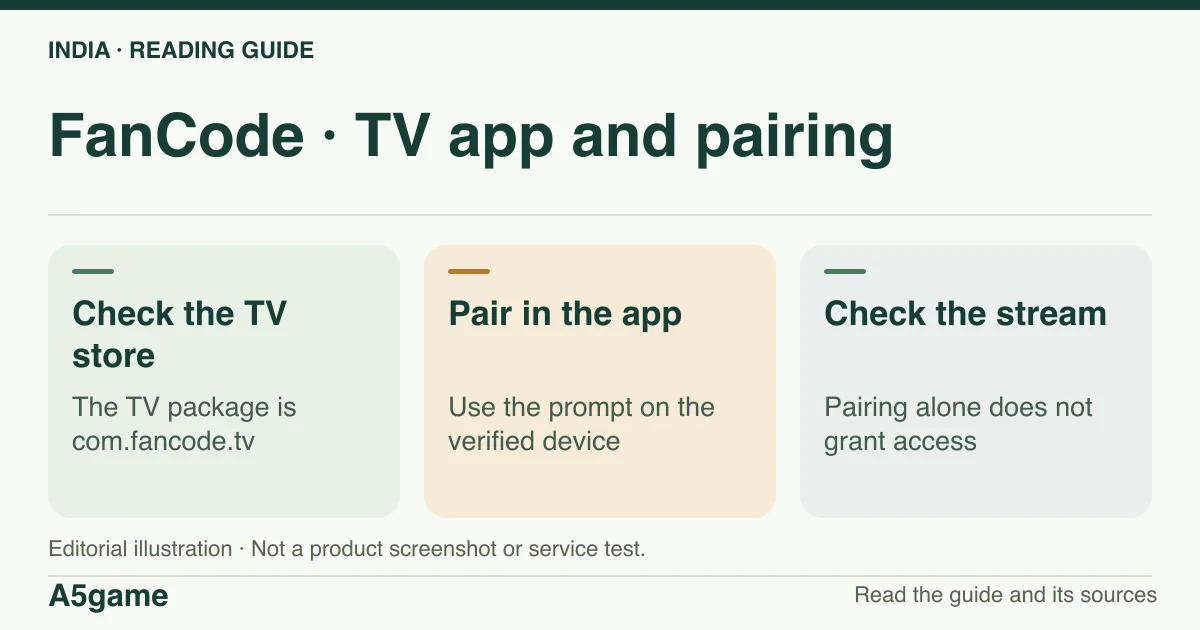
FanCode’s Android TV listing is separate from its phone app. Use the store on your television to verify the app and use the pairing prompts it displays. A paired device still needs access to the specific sport feed or event.

Verify the TV app before entering a pairing code
The checked India Google Play listing has package com.fancode.tv. We did not verify a universal activation URL or test account pairing. The attempted /activate and /tv-login routes redirected to /error.
Brand identification
- Brand
- FanCode
- Domain reference
fancode.com- Entity reference
- Sporta Technologies Private Limited (published terms)
- Scope
- Current product references
Identity information does not establish that every feature is available to every reader.
Start from the verified app on the television
Look for the FanCode listing on the television’s own store and match the developer record. The Android TV record we checked uses com.fancode.tv, whereas com.dream11sportsguru is the checked Android phone package. If your television’s store does not show that record, record the model, OS and country before choosing the next step. Installing the phone package to force an option onto the television does not verify compatibility.
If the installed app displays a QR or activation code, follow the pairing instructions shown there and use an account you already recognise. Confirm the domain before entering any credentials. The direct /activate and /tv-login paths that we tried redirected to the publisher’s error route on 18 November 2026; this does not confirm they work in a session or that the TV app is broken. A code or a password should never be sent to someone offering to finish pairing for you.
Check the exact model and platform
Android TV, a smart TV with another operating system, a set-top box and a phone casting to a display are different ways to watch. An Android TV listing does not prove distribution on Samsung or LG devices, Apple TV, Fire TV or partner boxes. For a native TV app, read the current store’s compatibility result for your model. For casting, look for a cast option on that particular player and verify rights for playback on a second screen. A large-screen screenshot does not establish either kind of support.
If you plan to view in a browser connected to a television, verify browser playback independently. Screen mirroring, casting, HDMI display and a native TV app can encounter different limitations. We did not test these methods or compare picture quality, so we cannot promise that they are substitutes for a device that lacks a compatible app.
What to check after a device pairs
First confirm that the television and the phone show the account used for payment. Next match the pass and the exact fixture; the television can be correctly paired and still show a locked feed. Try an available video or the same fixture on an already supported device to narrow down whether the issue is device-specific. A general network problem may stop multiple titles, while an event-specific entitlement message needs a check of that event and receipt.
Check other active playback sessions. The terms state a maximum of two simultaneous devices per account. This concerns concurrent access or viewing, not the number of TV models ever registered or the number of unrelated people who can use a pass. Close an old player if you think it is still active. If the issue repeats with only one device, record what error the television actually shows.
Read the TV listing as a product description
The checked TV listing explicitly described Google TV viewing, full-match replays and highlights as product features. It named football, cricket and motorsport examples in its description. These are publisher descriptions of the app, not a current register of rights or a test of each function. The app store identifies the package and the intended surface; the individual fixture tells you what the current account can try to play.
If only one event fails on TV, check whether the listing shows the event or an edited recording. If the app itself cannot be found, note the device exact model and store country. If a QR prompt opens but the TV does not update after sign-in, record that as a pairing problem. Providing that distinction makes your report useful without asking support to infer the point of failure from “TV not working”.
Prepare a TV support report without exposing a code
State the product and installation source, hardware model, app version, event and error. If you can watch the same event on your phone under the same account, include that fact. If codes expire or the prompt restarts, record the stage it reaches without copying the secret code or QR graphic into a public post. Use the support details listed for the TV app; a contact field on a developer record is evidence of a channel, not a response test.
Frequently asked questions
Is the Android TV app the same package as FanCode for phones?
No. We observed com.fancode.tv for Android TV and com.dream11sportsguru for the phone listing.
What is the verified FanCode TV activation address?
We did not confirm a working standalone URL. Follow the instructions displayed in the verified device app and check the publisher domain before signing in.
How many devices can stream at once?
The terms describe at most two devices per account at a given time. This is a concurrent-use limit, not a compatibility statement.
FOLLOW THE EVIDENCE
Sources and context
- Google Play India — FanCode TV app (com.fancode.tv)
https://play.google.com/store/apps/details?id=com.fancode.tv&hl=en_IN&gl=INReference check: 2026-11-18 - Google Play India — FanCode Android app (com.dream11sportsguru)
https://play.google.com/store/apps/details?id=com.dream11sportsguru&hl=en_IN&gl=INReference check: 2026-11-18 - FanCode — published terms, passes, payment and viewing limits
https://www.fancode.com/terms-conditionsReference check: 2026-11-18 - FanCode — publisher about page
https://www.fancode.com/aboutReference check: 2026-11-18
The date records a reference check. It is not a live service monitor.
A5game is an independent information website. We are not the brands’ official website, do not accept bets and never ask for third-party passwords or access codes. Editorial policy ↗