
CRICHEROES / TASK GUIDE
CricHeroes scoring: set up the match and check who can edit it
A good local scorecard starts before the first ball. Agree who will score, which fixture to open and how to correct a disputed entry. The walkthrough here comes from the publisher’s app guides, not a scored match created by A5game.

How to score a CricHeroes match
Open the assigned fixture under My Cricket, confirm squads and toss, select the striker, non-striker and bowler, then choose Start Scoring. If you cannot start or edit, first check which role the organiser assigned to your account.
Brand identification
- Brand
- CricHeroes
- Domain reference
cricheroes.com- Entity reference
- CricHeroes Private Limited (India store listings)
- Scope
- Current product references
Identity information does not establish that every feature is available to every reader.
Set up the right match before the first ball
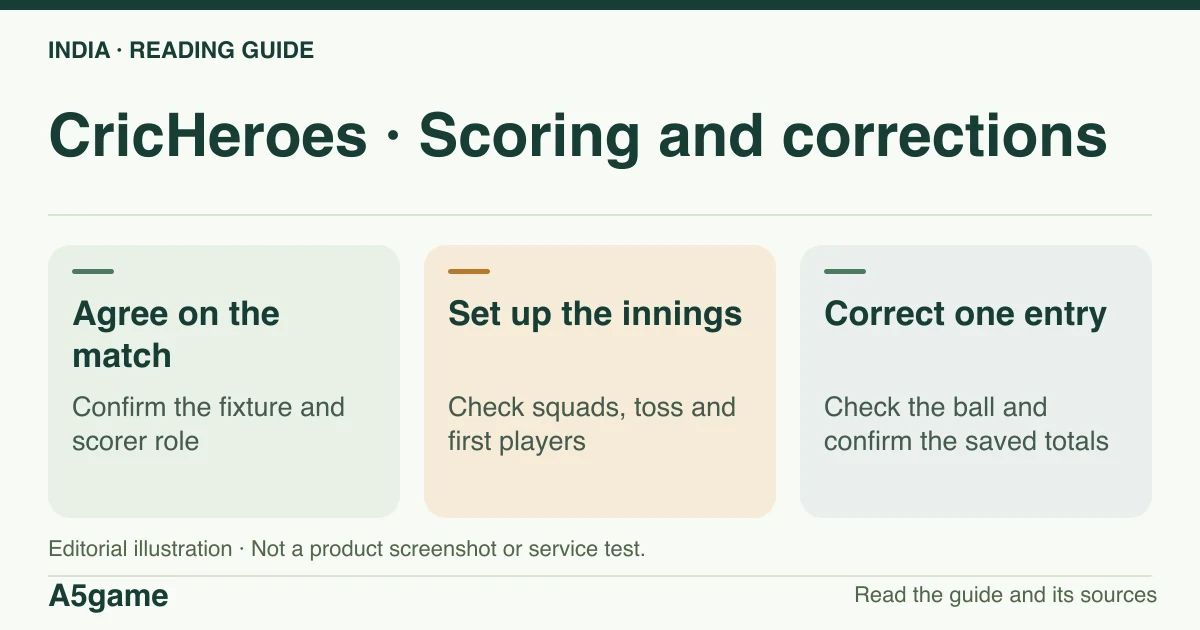
The CricHeroes walkthrough starts with signing in, opening My Cricket and selecting Matches or Tournaments. Use the match already set up for your league if one exists. Confirm the sides, eligible players and who won the toss. Select the batting decision, striker, non-striker and bowler before recording a delivery. Check the competition's overs and playing rules with the organiser, particularly for a shortened game or special rule in a local tournament.
When taking over from another scorer, compare the current innings, over, batters and bowler out loud. Record one agreed version of the scorecard. For a disputed wide, no-ball or wicket, settle the umpire’s decision first and check whether the delivery is legal before reconciling the over. A second fixture with a corrected total leaves two records and can attach stats to the wrong match.
- Confirm the fixture, teams and scoring responsibility with the organiser.
- Open the match from My Cricket and check the toss and playing squads.
- Choose the striker, non-striker and bowler. Reconcile the current innings before entering any ball.
- Start scoring only once the fixture and responsibilities agree with the organiser.
Who can start or edit the score?
Access depends on the type of match and the role on that account. If Start Scoring or Edit Scorecard is absent, ask whether the organiser assigned you to the correct fixture and check that you signed in with the number attached to the scorer role. A public match link, being a listed player and following a team do not confer the same access as scoring it.
For a match already complete, CricHeroes’ editing guide says the scorer and tournament creator can edit a tournament match until the tournament end date. For an individual match it describes up to eight days for the two captains to edit only their own innings. These are the publisher’s documented limits; the exact option in your match may depend on its state and your role. For a closed tournament, take the dispute to the organiser instead of trying to recreate the match.
Correct a wrong ball and verify what changed
The publisher’s live editing workflow places Edit Scorecard in match settings. Locate the precise innings and over, open the relevant ball, batter or bowler entry and apply the intended correction. Its example saves with Update Score. Check the match summary and affected stats afterward; a run or dismissal change can affect more than the visible total. If another person recorded the correction at the same time, reconcile the match before entering further deliveries.
Example: if an extra run was recorded to the striker rather than as a wide, correcting only the team total leaves the batter’s line and possibly the ball count wrong. Preserve the original over and delivery details for the organiser and confirm the result from the saved scorecard. The publisher describes editing again to reverse a saved correction; it does not describe a general undo button.
Frequently asked questions
Can an organizer correct a finished tournament match?
The publisher describes a window tied to the tournament end date for the tournament creator and match scorer. Ask the organiser to confirm the official score and edit access before making a duplicate record.
What should I send if the edit button is missing?
Send the fixture link, your assigned role, the innings and ball at issue, and the app version to the organiser or verified support. Do not share an OTP.
FOLLOW THE EVIDENCE
Sources and context
- CricHeroes — official scoring walkthrough, India OTP and helpline
https://blog.cricheroes.com/how-to-score-a-cricket-match-with-cricheroes-app/Reference check: 2026-11-19 - CricHeroes — edit a live scorecard and check post-match roles
https://blog.cricheroes.com/how-to-edit-scorecards-in-live-matches-on-cricheroes/Reference check: 2026-11-19 - CricHeroes — scorecard, summary and player figures
https://blog.cricheroes.com/improving-grassroots-cricket-one-scorecard-at-a-time/Reference check: 2026-11-19 - Google Play India — CricHeroes package, developer and support
https://play.google.com/store/apps/details?id=com.cricheroes.cricheroes.alpha&hl=en_IN&gl=INReference check: 2026-11-19
The date records a reference check. It is not a live service monitor.
A5game is an independent information website. We are not the brands’ official website, do not accept bets and never ask for third-party passwords or access codes. Editorial policy ↗