
SONY LIV / TASK GUIDE
Sony LIV app for Android, iPhone, PC and TV
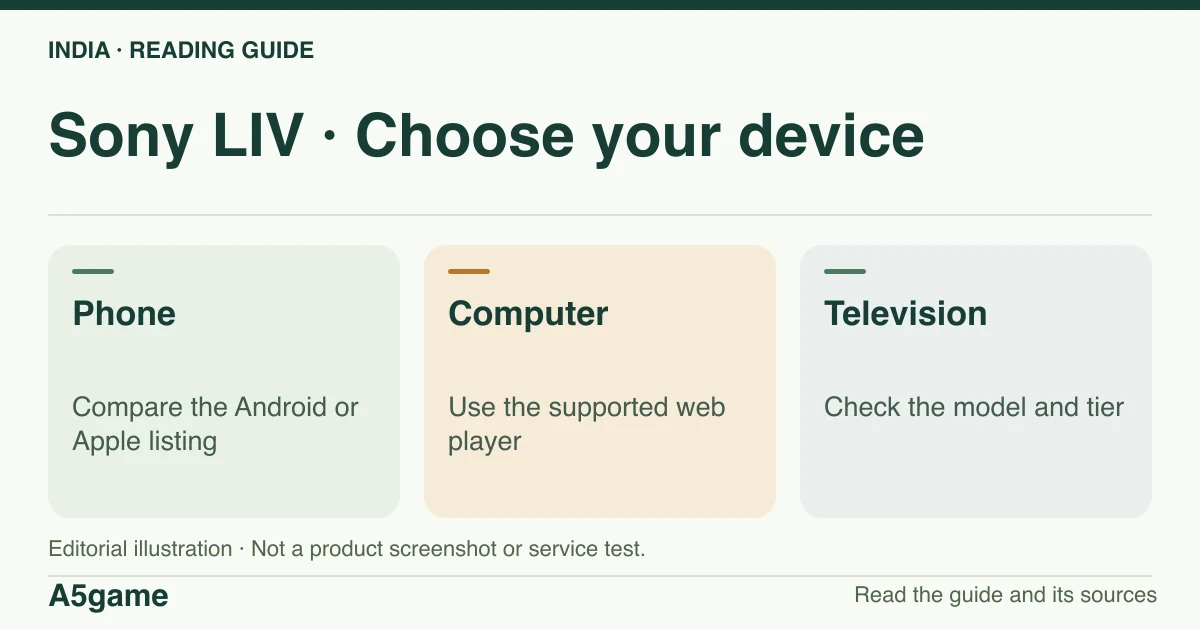
Match the Sony LIV publisher and store identifier before installing. On a computer, check the web player; on a television, check the model’s own app store and then the plan attached to your account.

How do I download the Sony LIV app in India?
Use the India Google Play listing for package com.sonyliv, or the India Apple listing for item 587794258. Apple’s catalogue in this check showed version 9.2.7 and iOS 15 or newer. Those are the observed listing values; verify compatibility on your own device.
Brand identification
- Brand
- Sony LIV
- Domain reference
sonyliv.com- Entity reference
- Sony Pictures Networks India (India store listings)
- Scope
- Current product references
Identity information does not establish that every feature is available to every reader.
Check the Android and iPhone app separately
Open the store attached to the device and match the listing identifier before updating. Android TV, an Android phone and an iPhone are separate checks. An Android result that asks you to unprotect the device or install an unknown file cannot be authenticated by a matching logo. The version in the Apple catalogue does not establish an Android build number. An update button indicates that the store offers an update for your logged-in device; it says nothing about whether your subscription will play on a larger screen.
If the store hides the app or reports incompatibility, record the storefront, model and OS version. The generic Sony help table has older mobile OS figures than the Apple listing. Use the store requirements for that specific listing and current device, then consult the support table for the screen family. The store snapshot verifies identity and catalogue metadata; no file was installed or inspected.
| Device | Match this evidence | If unavailable |
|---|---|---|
| Android phone | Google Play package com.sonyliv | Check country, model and OS in Google Play |
| iPhone | India Apple item 587794258; observed bundle com.msmpl.sonyliviphone | Check the listing’s Compatible section for your OS |
| Computer | Publisher website and supported browser | Start in the web player; do not substitute a PC APK |
| TV or streaming box | TV’s store and Sony’s model table | Confirm model year, OS and tier before paying |
Sony LIV on PC, smart TV and Fire TV
Start in a supported browser on a computer. If a result describes an Android emulator as a Windows download, it is not the web player. For a TV, search the television’s own store and note the platform as well as the brand. Sony’s help separates Android TV, Apple TV and several smart TV families. A mobile build cannot prove that a television model supports the app. Once the television opens the app, compare the subscription tier and account before troubleshooting hardware.
Sony’s FAQ describes 4K as conditional on supported hardware, eligible content and an active LIV Premium tier. That guidance does not mean all live sports or titles play in 4K. If the player works at a lower resolution, compare the title, TV model and connection first; the phone’s playback quality alone cannot diagnose the TV.
An app download is different from an in-app video download
App installation creates the player. A download button inside a title, when offered, creates a copy for viewing inside the app under that title’s terms. It is not an unrestricted video file export. Check the title in the current app before travelling and record any access expiry or network prompt it shows. We did not download a title or test offline use. A result promising a permanent download or a modded APK is a different offer with no confirmed publisher identity.
Frequently asked questions
Does Sony LIV have a separate Windows APK?
An APK is an Android file. Use Sony LIV’s browser route on a supported computer and check your tier’s web eligibility.
What if the app opens after upgrading but still asks me to pay?
Compare My Purchases and the account on that screen. App compatibility, sign-in and subscription access are separate checks.
FOLLOW THE EVIDENCE
Sources and context
- Google Play India — Sony LIV publisher and com.sonyliv
https://play.google.com/store/apps/details?id=com.sonyliv&gl=IN&hl=en-INReference check: 2026-11-19 - App Store India — Sony LIV, Apple item 587794258
https://apps.apple.com/in/app/sony-liv/id587794258Reference check: 2026-11-19 - Apple India — Sony LIV storefront version and compatibility
https://itunes.apple.com/lookup?id=587794258&country=inReference check: 2026-11-19 - Sony LIV Helpdesk — device and platform compatibility
https://help.sonyliv.com/categories/platform-support/articles/what-are-the-minimum-versions-device-model-supported-by-sony-liv-applicationReference check: 2026-11-19 - Sony LIV — public India FAQ: OTP, TV activation and screen limits
https://origin-staticv2.sonyliv.com/UI_icons/india_faqs.htmlReference check: 2026-11-19 - Sony LIV Helpdesk — India plan prices and concurrent screens
https://help.sonyliv.com/categories/cat-subscription/articles/what-are-the-types-of-subscription-available-on-liv-how-much-does-sony-liv-cost-1Reference check: 2026-11-19
The date records a reference check. It is not a live service monitor.
A5game is an independent information website. We are not the brands’ official website, do not accept bets and never ask for third-party passwords or access codes. Editorial policy ↗