
JIOHOTSTAR / TASK GUIDE
JioHotstar sign-in: fix access and check your subscription
JioHotstar sign-in problems often fall into one of two groups: you cannot enter an account, or you are signed in but your existing plan is not recognised. Diagnose those separately before changing your number or paying again.

How to check JioHotstar login and account access
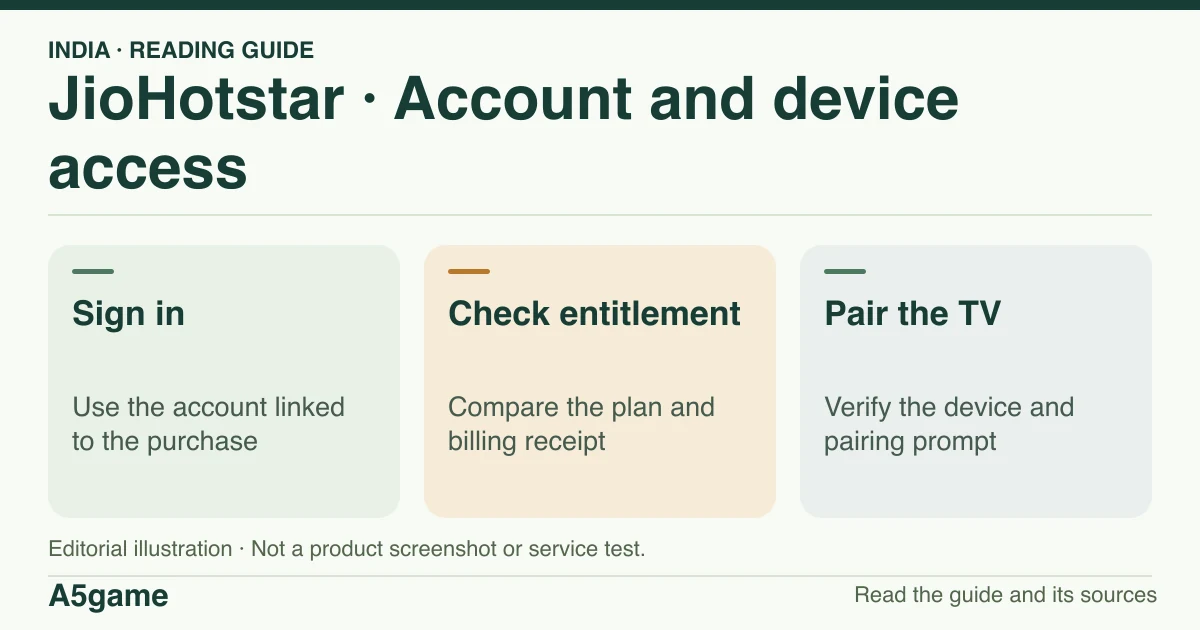
Open the known India website or verified app and use the account linked to the original purchase or bundle. If prompted for a phone code, check the displayed number and complete verification only in the service. If you can sign in but cannot watch, check the entitlement before retrying checkout.
Brand identification
- Brand
- JioHotstar
- Domain reference
hotstar.com/in- Entity reference
- JioStar India Private Limited (publisher announcement and store listings)
- Scope
- Current product references
Identity information does not establish that every feature is available to every reader.
JioHotstar login on the web or with a mobile number
Go to the India website or the app published by JioStar. Use the sign-in method on that screen. If it asks for a mobile number, use the one linked to the subscription, not simply the SIM currently in the device. If the service requests an SMS code, verify the country and number, check receipt and use the newest code within the same official screen. An unexpected code you did not request is not an invitation to reply to a third party.
For a Chrome login problem, use a current browser, check whether site data is allowed for the genuine site, and note the exact error. Turn first to the related device and account checklist if another device signs in normally. The sampled public help links redirected to a general FAQ shell. No account login or OTP was sent during this review.
Signed in but JioHotstar still asks you to subscribe
Match the plan listed inside the account to the receipt or carrier bundle. Confirm who billed it, which phone number was linked, whether the plan expired and whether the device is included. An app-store subscription on one account will not simply appear on another account because they share a phone. A prepaid bundle can also require activation or have a different end date from the recharge itself.
If there is a charge but no entitlement, keep the receipt and order ID and contact the original purchase channel or the support channel from the India store listing. Avoid another purchase until you identify the missing entitlement. The Android record lists [email protected]; check the current listing before contacting the publisher. We did not find a verified India consumer phone number or a 24-hour service commitment in the sources reviewed. Do not send an OTP, card details or a password with a screenshot.
TV pairing, QR codes and device limits
Confirm that the television has the publisher’s app, that your plan covers its screen type and that no other viewing session is using the allowed slots. If the TV displays a pairing code or QR code, follow the instructions from that device only after checking the displayed service and address. A forwarded code or login QR is not a reliable way to pair your account.
If the pairing prompt is rejected, check whether the phone and TV are using the same account and whether the screen still shows the same fresh code. If pairing succeeds but a live match does not start, use the fixture and device checks rather than treating every playback issue as a password reset. We did not pair a TV or verify a specific QR workflow.
Frequently asked questions
Can A5game send a JioHotstar verification code?
No. Use the verified app or India website for account access. A5game publishes account and device guidance only.
I can sign in. Why does live cricket still fail?
Check the fixture listing, location, plan and screen limit. Being signed in is necessary for some viewing options but does not establish a right to every stream.
FOLLOW THE EVIDENCE
Sources and context
- JioHotstar — India web entry point
https://www.hotstar.com/inReference check: 2026-11-19 - JioHotstar — help route, first response forwarded to the FAQ
https://help.hotstar.com/in/en/support/homeReference check: 2026-11-19 - JioHotstar — public FAQ shell; signed-in answers not verified
https://www.hotstar.com/faqReference check: 2026-11-19 - Google Play India — JioHotstar Android package and publisher
https://play.google.com/store/apps/details?id=in.startv.hotstar&hl=en_IN&gl=INReference check: 2026-11-19 - App Store India — JioHotstar, Apple item 934459219
https://apps.apple.com/in/app/jiohotstar/id934459219Reference check: 2026-11-19 - JioStar — JioCinema and Disney+ Hotstar transition, 14 February 2025
https://www.jiostar.com/news/jiohotstar-unveiling-infinite-possibilities/Reference check: 2026-11-19 - JioStar — published India plans for new subscribers from 28 January 2026
https://cdn.jiostar.com/jiostar/wp-content/uploads/2026/01/JioHotstar-Introduces-Monthly-Plans.pdfReference check: 2026-11-19
The date records a reference check. It is not a live service monitor.
A5game is an independent information website. We are not the brands’ official website, do not accept bets and never ask for third-party passwords or access codes. Editorial policy ↗